

Caly — the simple calendar app

Manage your daily schedule,
more efficiently.

Caly is a simple calendar app that fits into your daily life,
stripping away the unnecessary.

Download on the App StoreGet it on Google Play
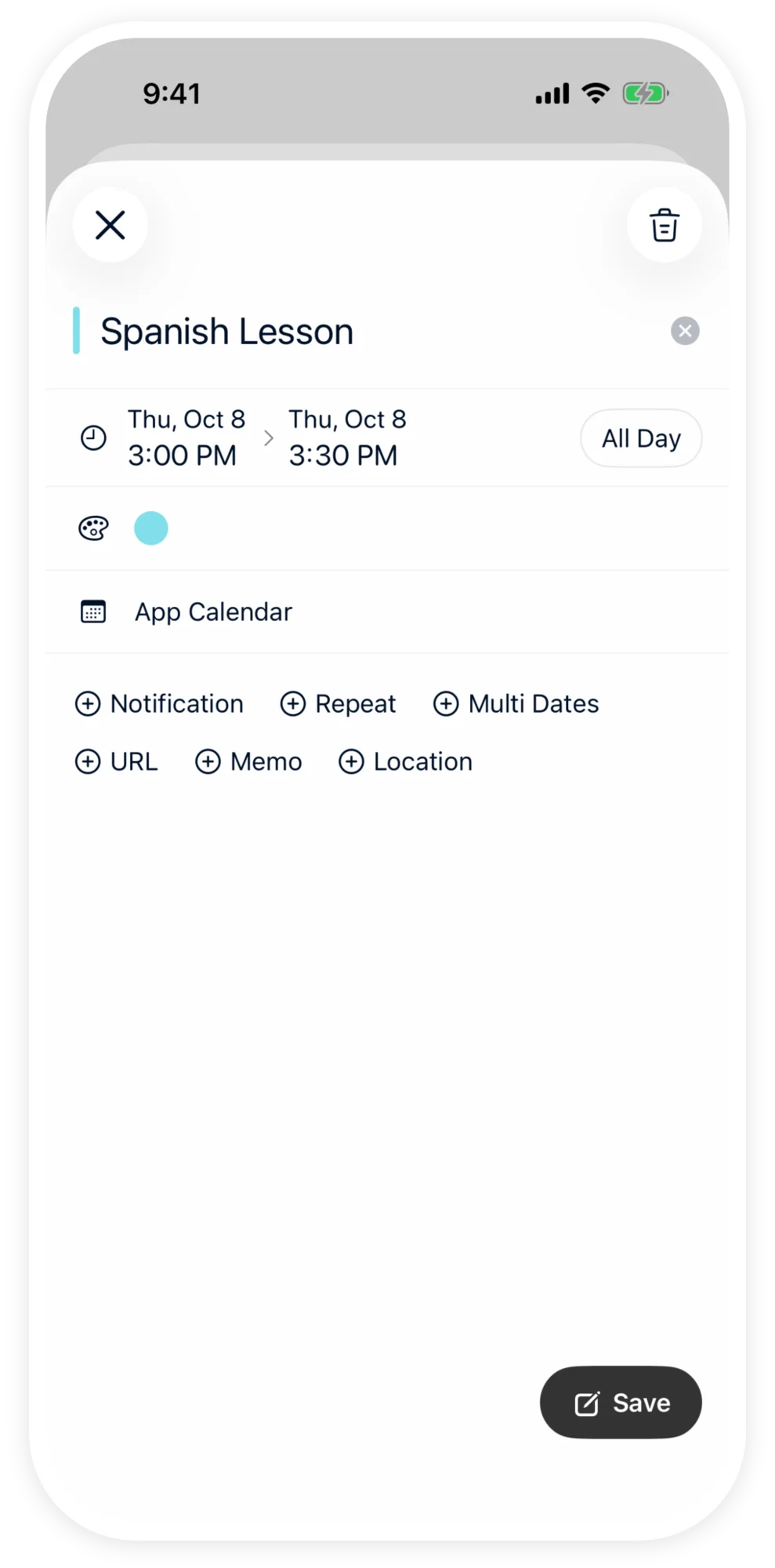
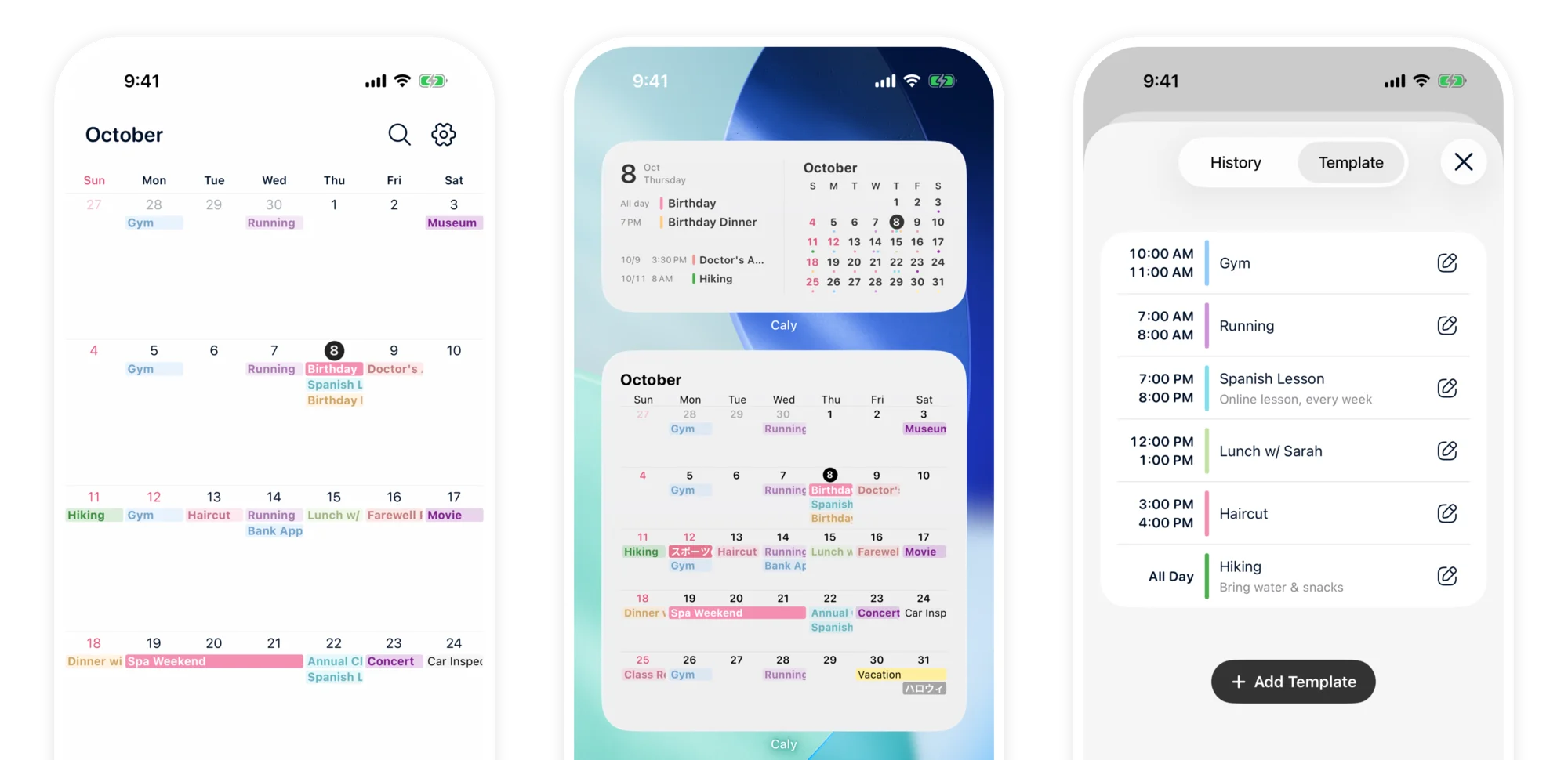
Screenshot of Caly App

Features

01

Refined simplicity to "support your focus"

"No clutter" — Simple by Design

Because you use it every day, we've included only the functions you really need. No complicated settings or unnecessary decorations. We pursued a minimal design that anyone can start using intuitively.
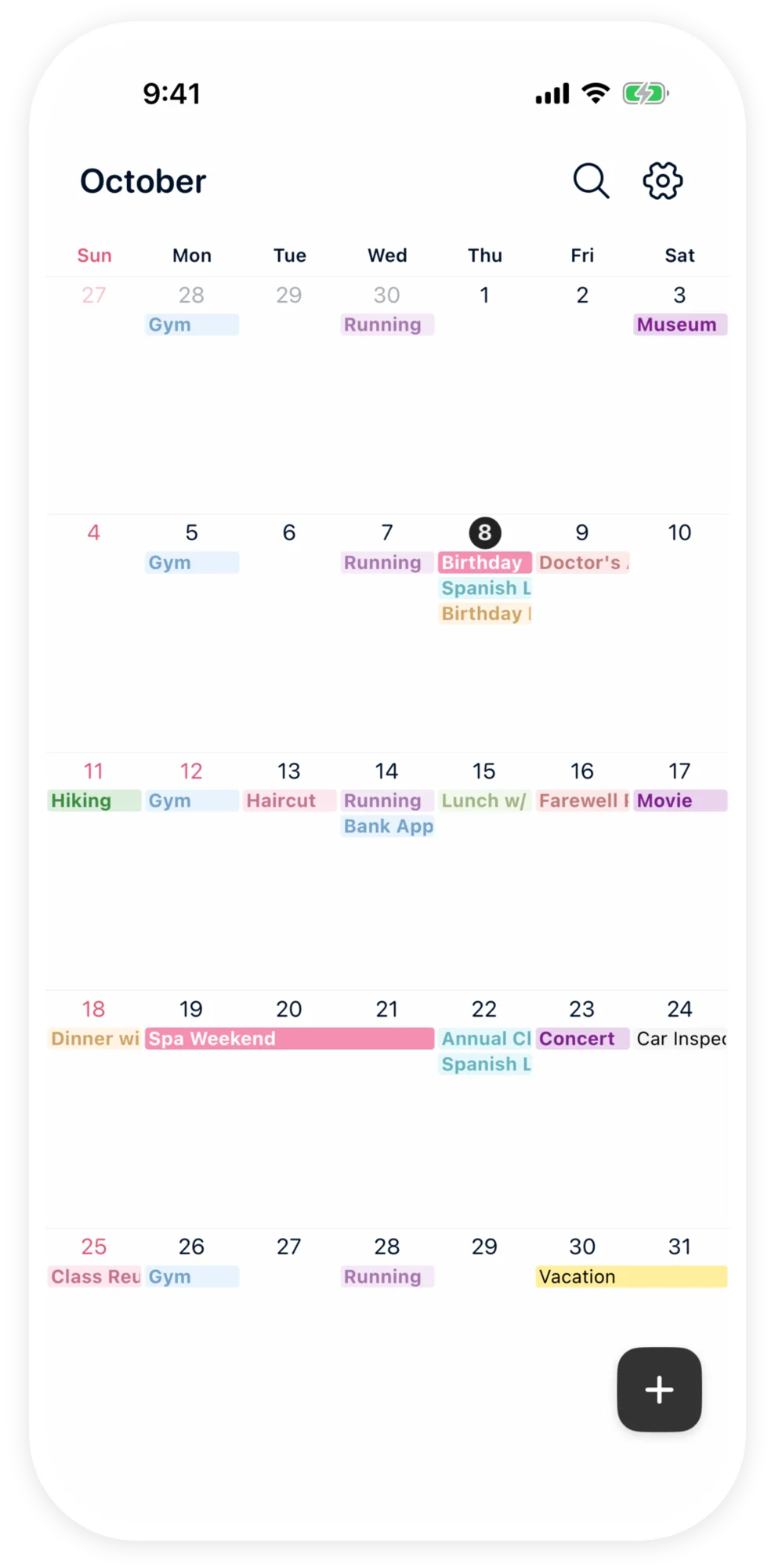
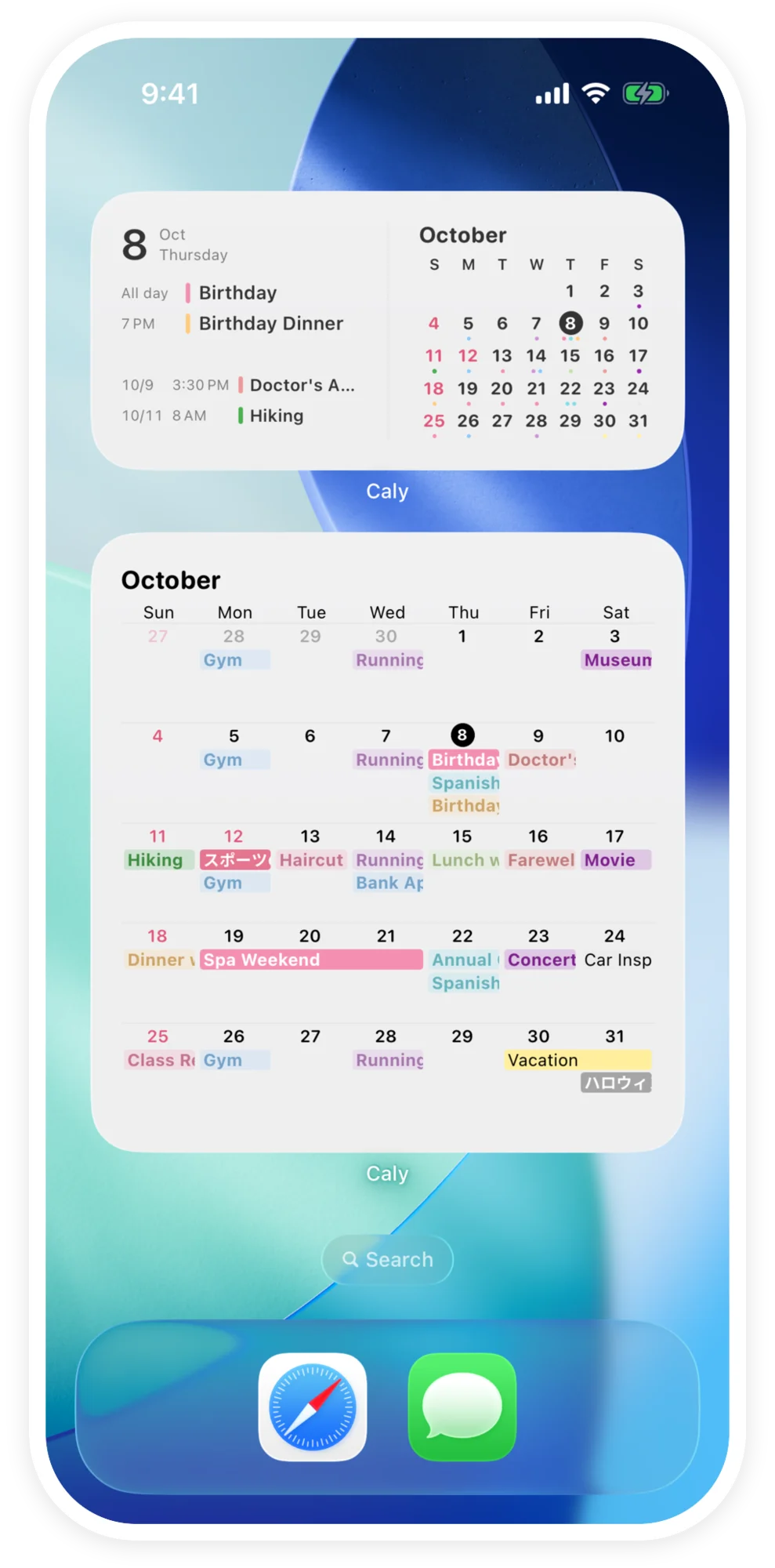
Image of refined simplicity

02

Pleasant design to "brighten your every day"

"Fall in love" with your calendar — Commitment to Beauty

We paid close attention to the visual beauty. Carefully selected fonts and eye-friendly color schemes will subtly color your daily life. A design you'll want on your home screen.

Image of pleasant design

03

Stress-free agility that "doesn't steal your time"

Don't "stop" your train of thought — Pursuit of Performance

From launching the app to entering an event, we have achieved a light performance that does not interfere with your thoughts. It won't waste your precious time.

Image of stress-free agility

Key Features

Everything you need for everyday scheduling, with simple controls.

  • Home screen widgets

    See today's events or the whole month right from your home screen, without opening the app.

  • Lock screen calendar (iPhone)

    Show your calendar and events on the iPhone lock screen, so you can check them without unlocking.

  • Recurring events & reminders

    Set daily, weekly, or monthly events in one go, and get notified so you never miss them.

  • Add to multiple dates

    Add the same event to several dates at once — ideal for work shifts and trips.

  • Templates

    Save frequent events as templates and add them in a few taps.

  • Move & copy events

    Move an existing event to another day or copy it.

  • Colors & appearance

    Color-code events, switch between vertical and horizontal scrolling, change the start of the week and text size, and use dark mode.

  • Holidays

    Show public holidays right on your calendar.

  • Sync & backup

    On iOS, sync with the device calendar (including Google Calendar). On Android, back up and restore with your Google account.

App Info

App nameCaly
Supported OSiOS 18.0 or later (iPhone, iPad) / Android 12.0 or later (smartphone, tablet)
PriceBasic features are free. A one-time purchase removes ads and unlocks additional features.
Key featuresHome & lock screen widgets, recurring events, multi-date entry, templates, color coding, public holidays, dark mode, multiple calendars, offline support
Data syncOn iOS, syncs with the device calendar. On Android, syncs via Google account backup and restore.
LanguagesJapanese, English, Korean, Chinese (Simplified & Traditional), Vietnamese, Malay, Indonesian, Portuguese, Spanish

Frequently Asked Questions

Yes, basic features are free to use. With a one-time purchase, you can remove ads and unlock additional features.

Caly works on iPhone and iPad with iOS 18.0 or later, and Android smartphones and tablets with Android 12.0 or later.

Yes, data synchronization is available. On iOS, you can sync with the device calendar, and on Android, you can sync using Google account data backup and restore.

With the free version you can use the essential features for daily scheduling, such as adding and editing events and managing multiple calendars. A one-time purchase removes ads and unlocks some additional features.

Yes, home screen widgets are available on both iOS and Android. See the widget guides in the How to Use section for setup steps.

Yes. On iOS you can sync with the device calendar, and on Android you can back up and restore via your Google account, so your data carries over to a new device.